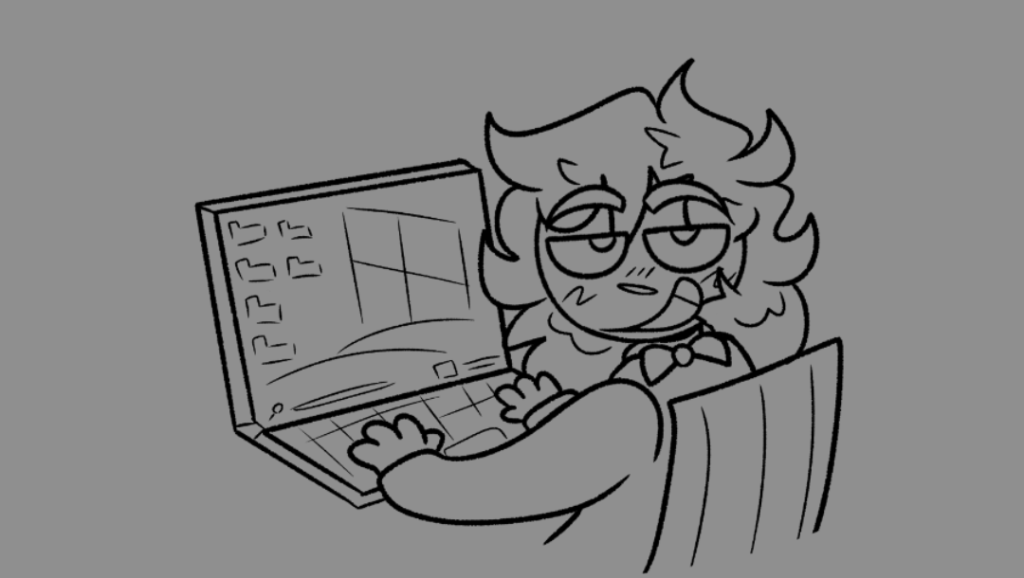
If you’ve been keeping up with this miniseries of blog posts, you might have gathered that I am a chronic procrastinator, with and without technology to distract me. Even though I almost always submit work on time, my type b tendencies continue to creep up on me. So, here I am, 12 hours before my assignments are due, sitting on a bean bag chair 3 1/2 hours away from my college campus. In short, I am not in the headspace to be writing a blog, or working on any homework. Ironically, I could’ve really benefitted by planning out my assignments, which is what I was tasked to learn about.
I’ve watched a handful of videos on project planning and project management and its overarching importance in advertising and communications. My dream field is to work in radio or the music industry, which heavily relies on proper project management and breaking down large tasks into smaller plans. According to Jennifer Bridges of ProjectManager, properly planning tasks and assessing if you are the right person for the job can make you work smarter and not harder. She specifically sites that a task calendar can help someone properly break down tasks and prevent people from overworking themselves, which is what i’m doing right now. I’ve already been applying this to my real work life with my campus’ radio station, WQAQ. Our social media manager recently stepped down from her position, so the rest of our executive board have divided up the task into a social media content calendar, with color codes and initial codes to make it as easy as possible to read and understand. This calendar has made dividing up social media tasks a lot more manageable and improved the work lives of my executive board.
Even though I have seen the success of project planning and work calendars in real-world applications, I can’t bring myself to fully adapt to them, for some reason. I think I hone in on updating a calendar for around three to four weeks until I forget about it. It definitely has something to do with my poor (yet recovering) attention span that I have talked about at nauseam, and I hope that the work I have documented to fix my attention span will help me with working smarter and not harder.
To apply what I’ve learned from ProjectManager’s videos, I tried making a project management system for my Graduate Studies course on Trello. I divided each module into different cards, then made sub categories for different assignments, and a checklist within that sub category to check off each step of the assignment. This onion-skin approach to project management felt pretty rewarding and over-intuitive in a way that satisfied me. I also went ahead and color coded every module, since the monochromatic default would bore me, and probably drive me crazy as well.
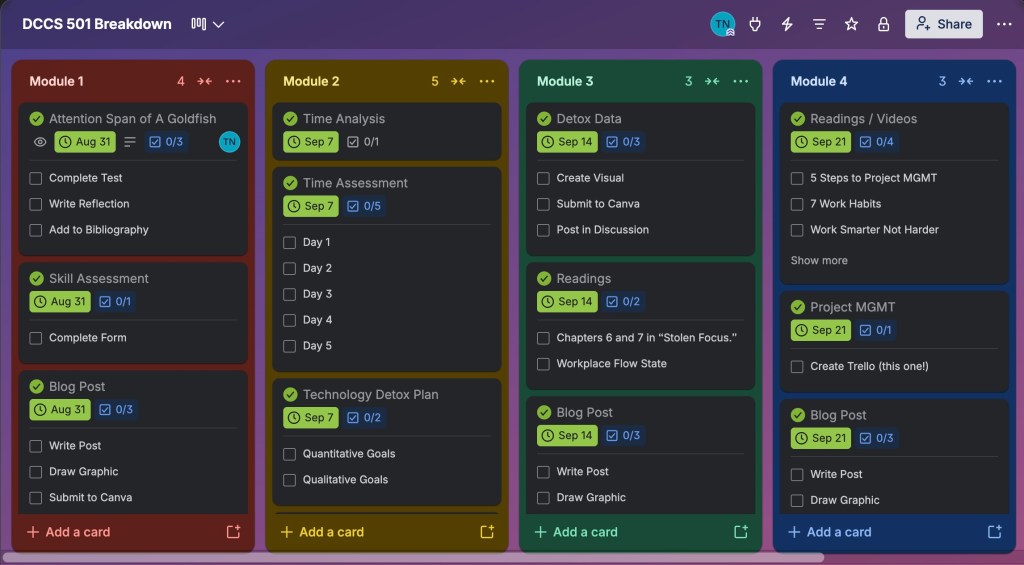
The jury is out on if I will consistently update this Trello page as I go along with the rest of my graduate course, but I hope to at least update it in bursts rather than the instant I complete a task. I think starting in bursts of checking-off rather than one at a time task completion will help me remember to utilize this overall helpful tool.



Leave a Reply